

Your scans, on your phone
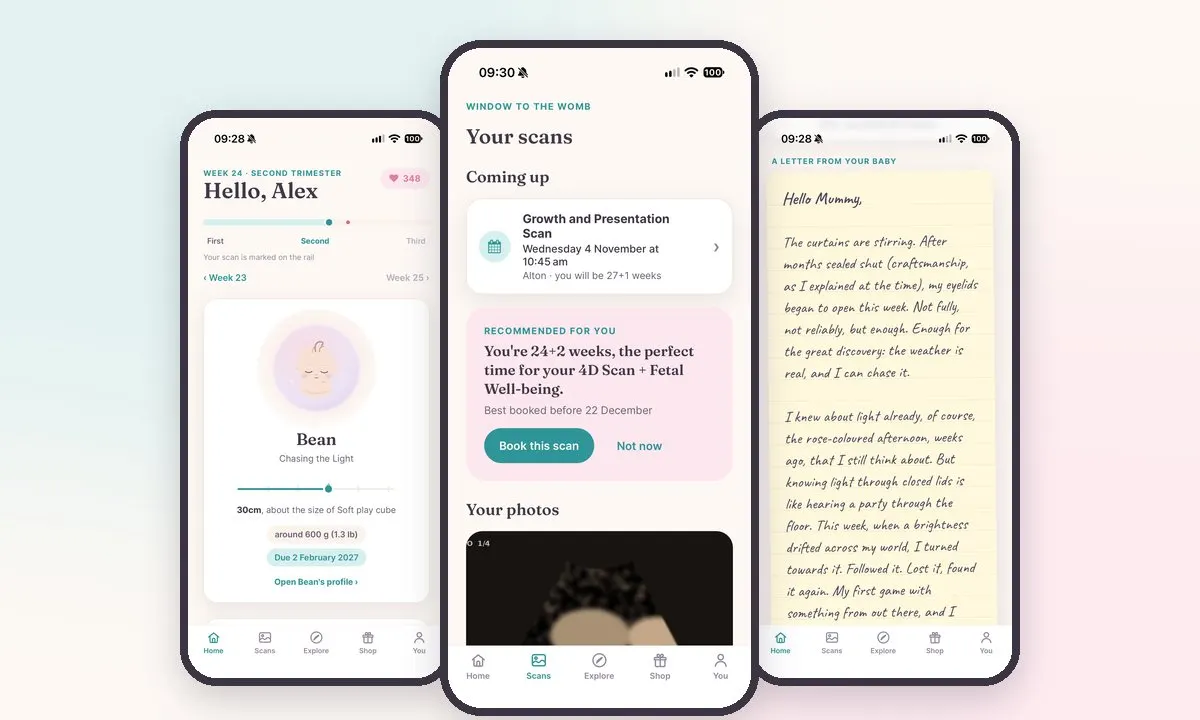
The Parent Room is our free app for Window to the Womb customers, on iPhone and Android. Your scan photos and videos arrive on your phone, and one tap saves them in full quality to your photos, ready to share. Your scan report is there too.
Between scans, follow your pregnancy week by week with a letter from your baby every week, keep a diary of your scans and midwife appointments, and invite your partner and family to follow along.



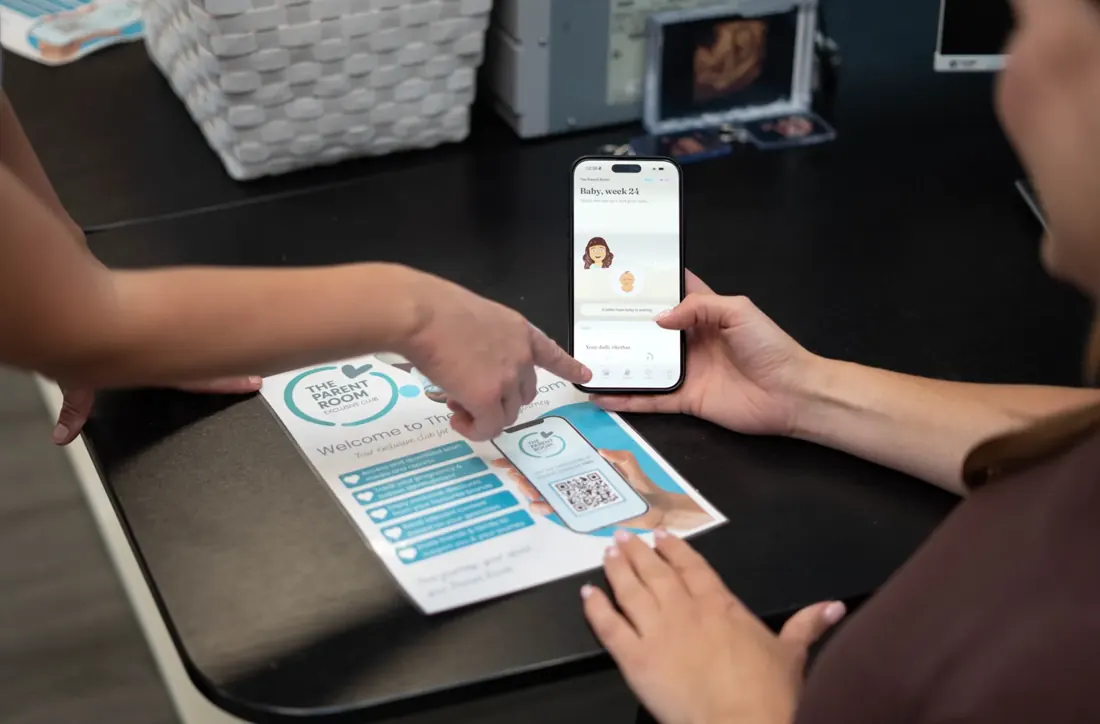
On a computer? Scan the code with your phone, or go to theparentroom.co.uk/get-app.
How to get your scans
Before your scan, download The Parent Room app and sign in with the email address you booked with. Your scans will be waiting on your phone afterwards.
Essentials includes one scan photo in the app; Plus and Premium include every photo and video. The app is free for every customer aged 16 or over, in the UK. It does not give medical advice and does not replace your midwife, GP or sonographer.
Questions about The Parent Room
What is The Parent Room?
Our free app for Window to the Womb customers. Your scan photos and videos go straight to your phone, and between scans it follows your pregnancy week by week.
How do I get my scans in the app?
Download The Parent Room and sign in with the email address you booked with. After your scan, your photos and videos appear in the app, ready to save to your phone.
Does it cost anything?
No, it's free on the App Store and Google Play.
I already use The Parent Room on the website. Do I need a new account?
No. Use the same email and password, and everything comes with you.
Can my partner or family see my scans?
Yes, if you invite them from the app. You choose who joins.
I've forgotten my password.
Tap "Forgotten your password?" on the sign-in screen and we'll email you a link.